
AI carousel generator for Instagram, TikTok & LinkedIn
The AI carousel generator
1M accounts actually post.
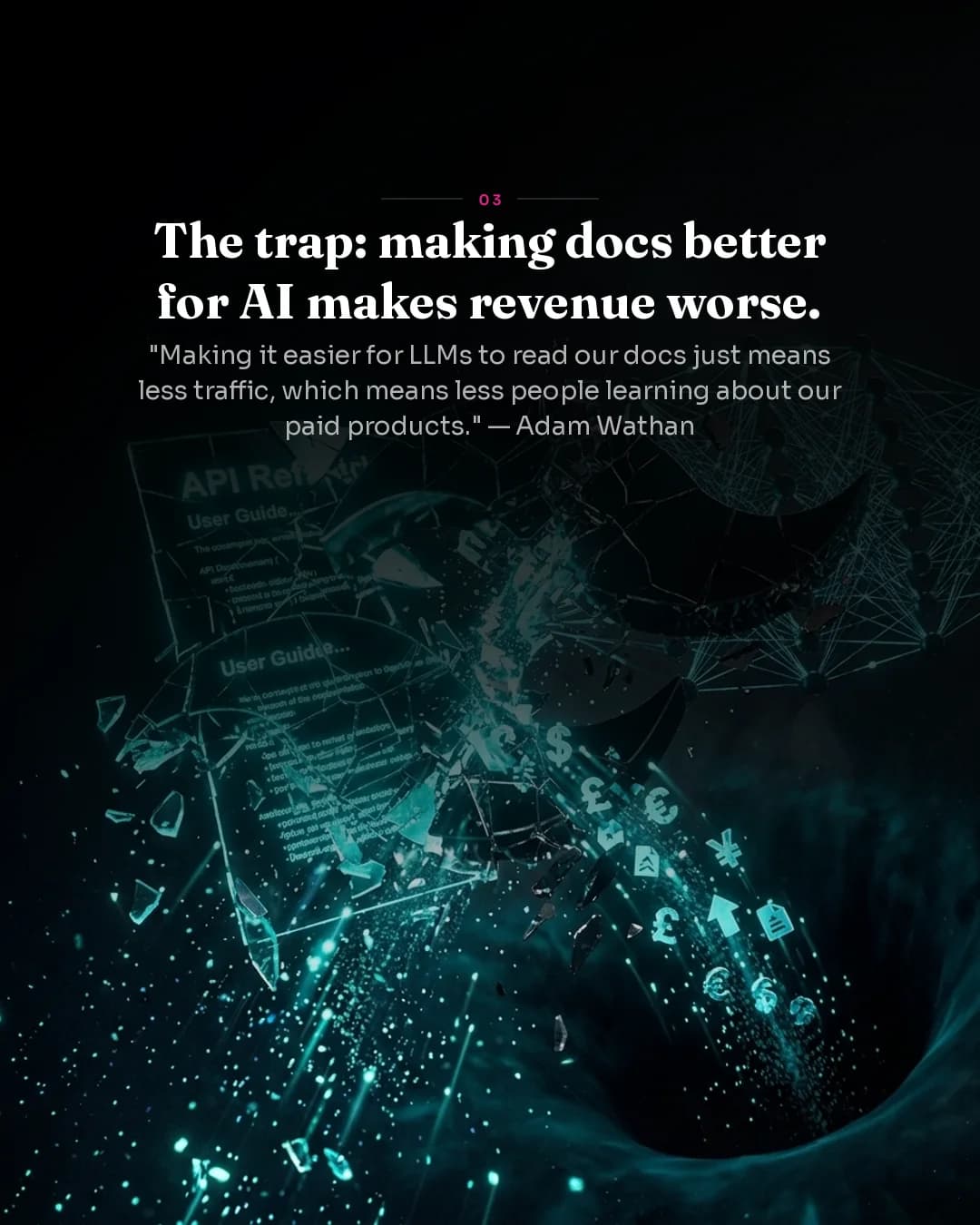
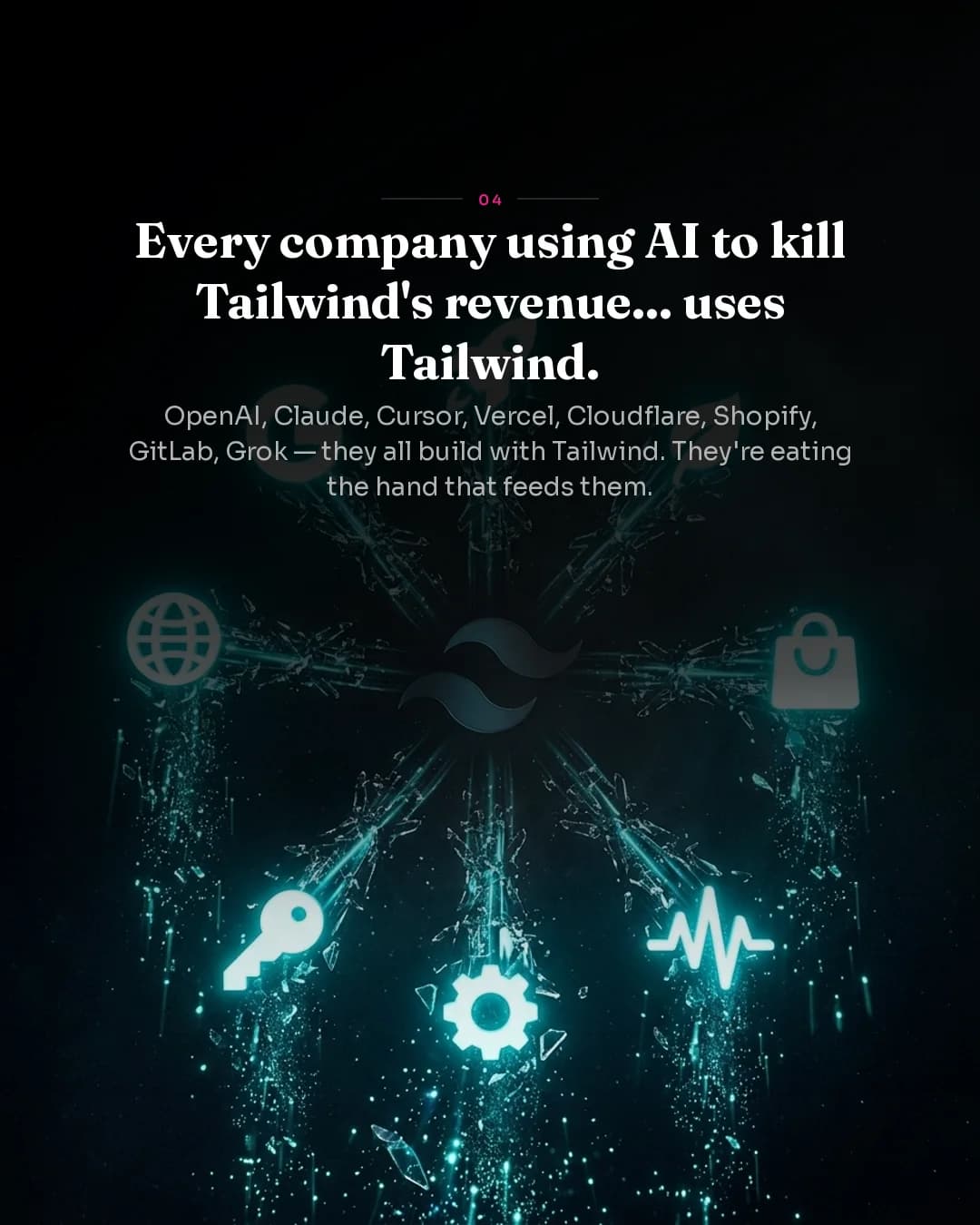
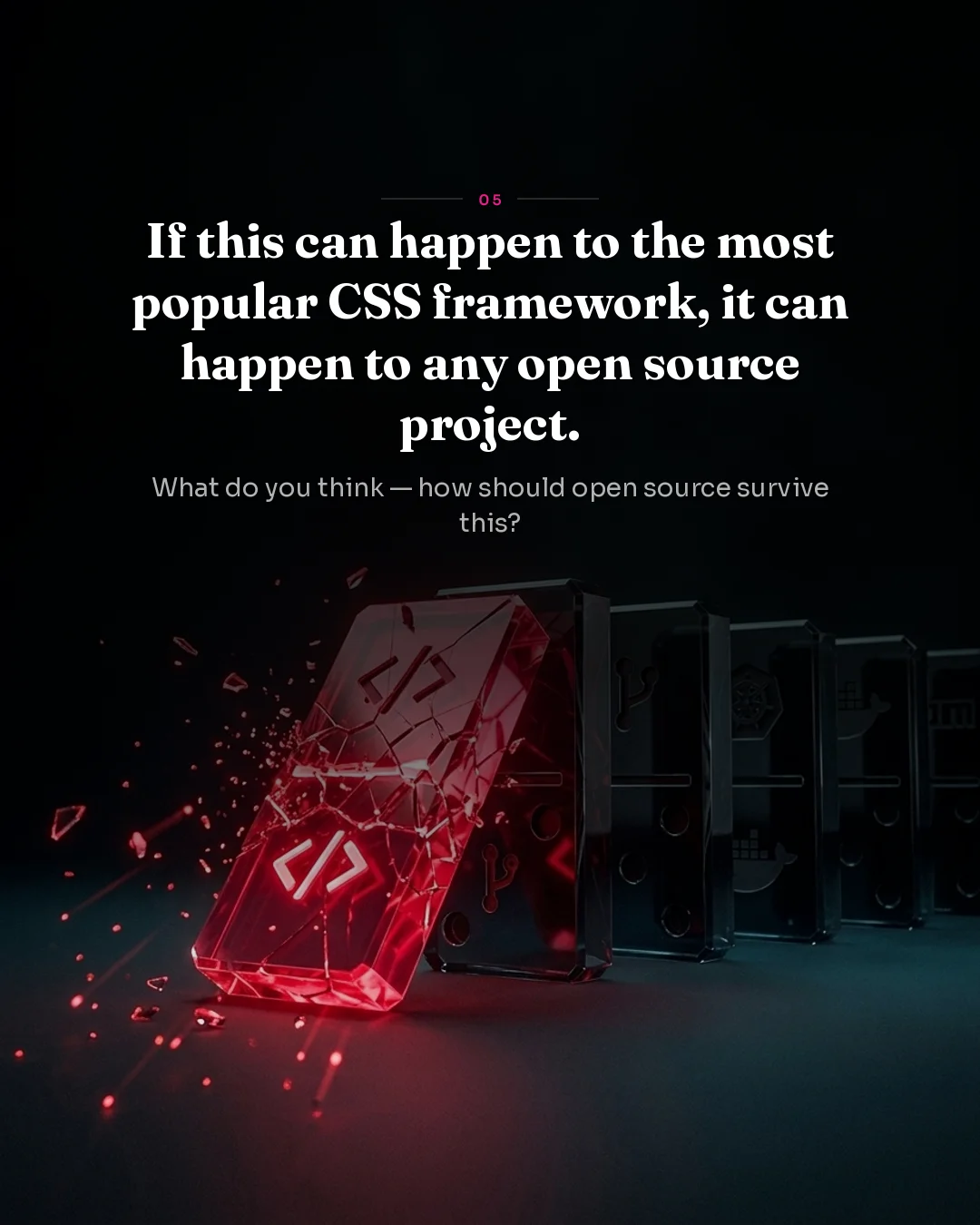
Generate ready-to-post Instagram, TikTok, and LinkedIn carousels from one prompt. Every slide gets a unique bespoke visual — not a template, not a filter, not Canva. High-end quality in under 2 minutes.
No design skills needed. No stock photos. No after-work.
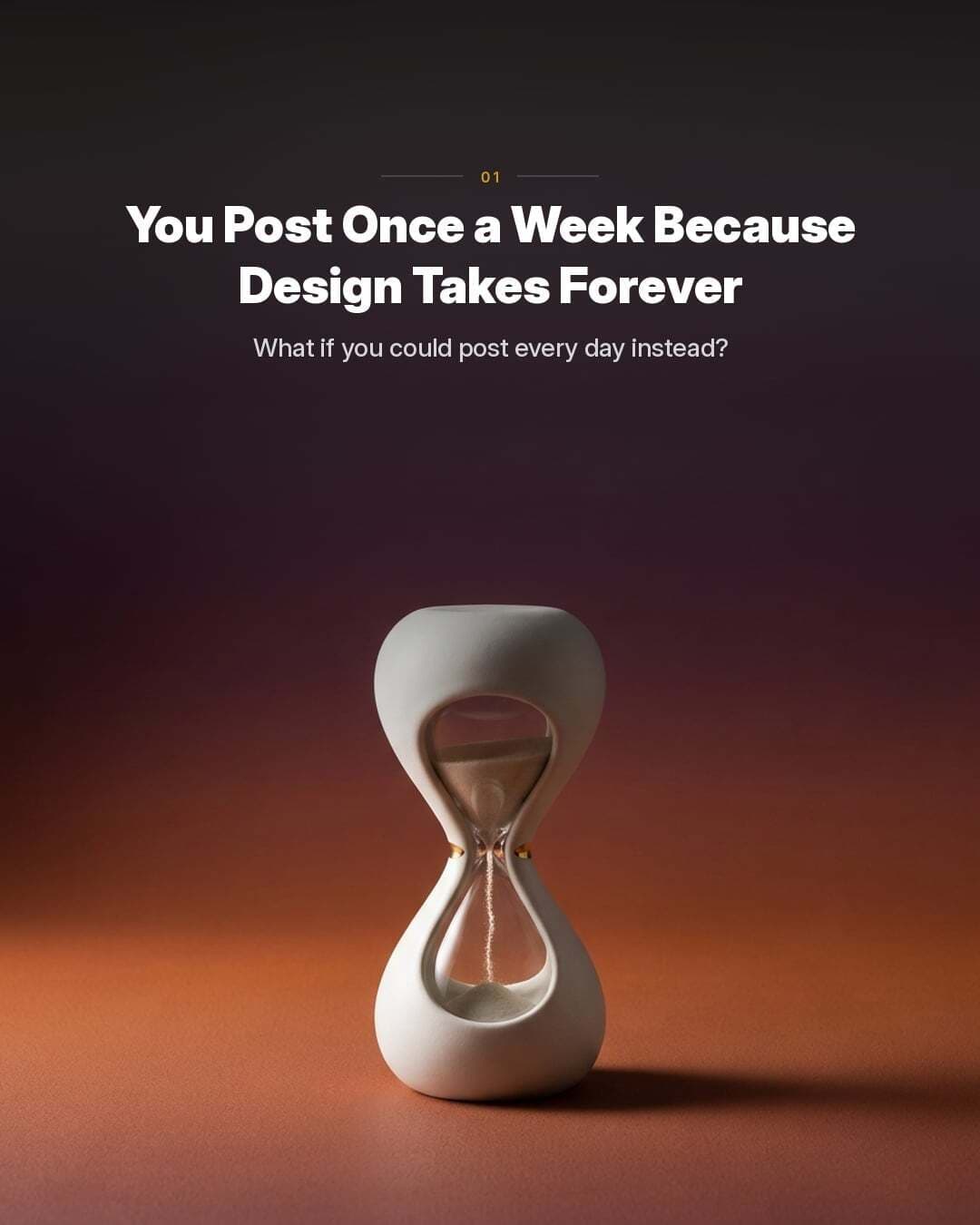
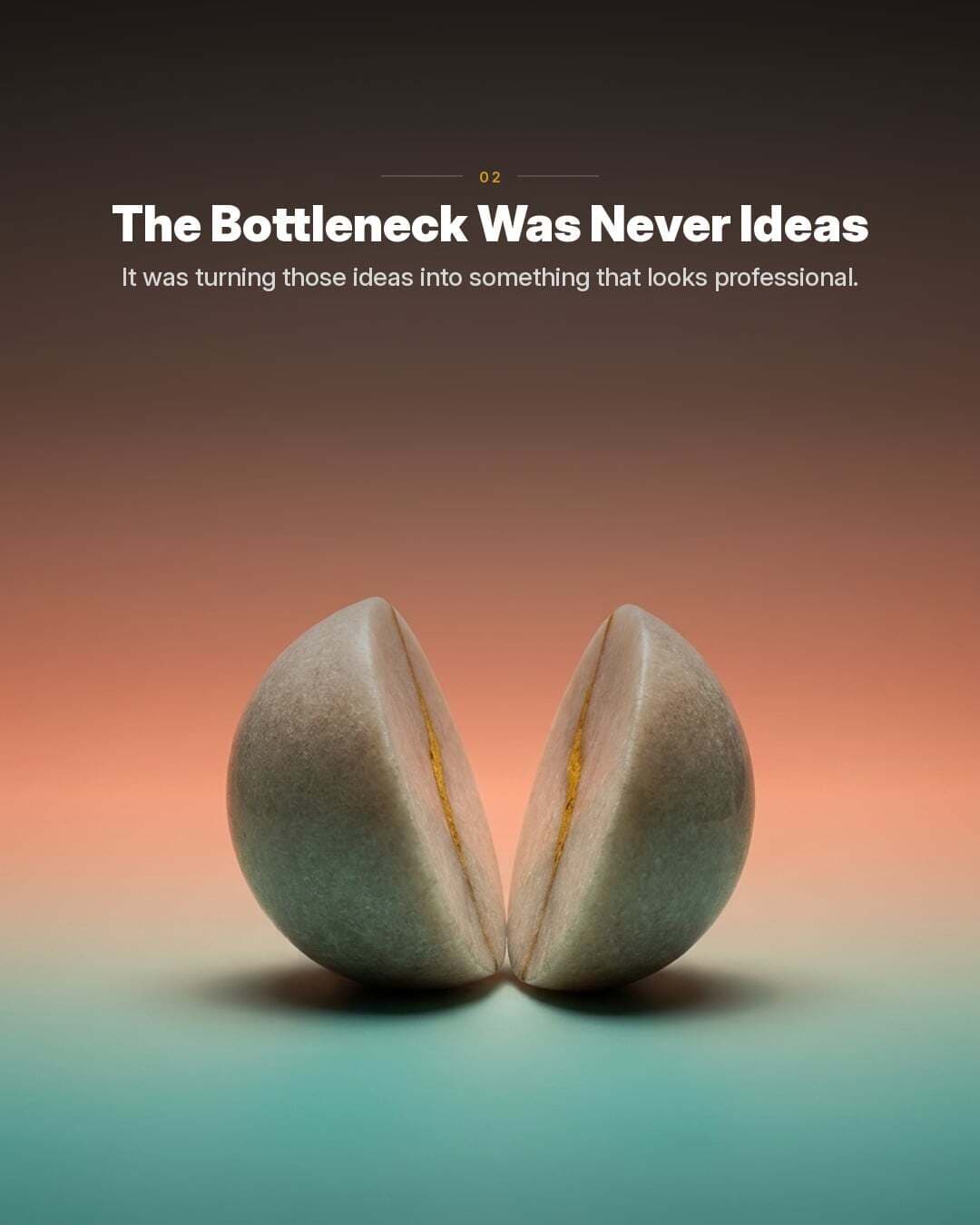
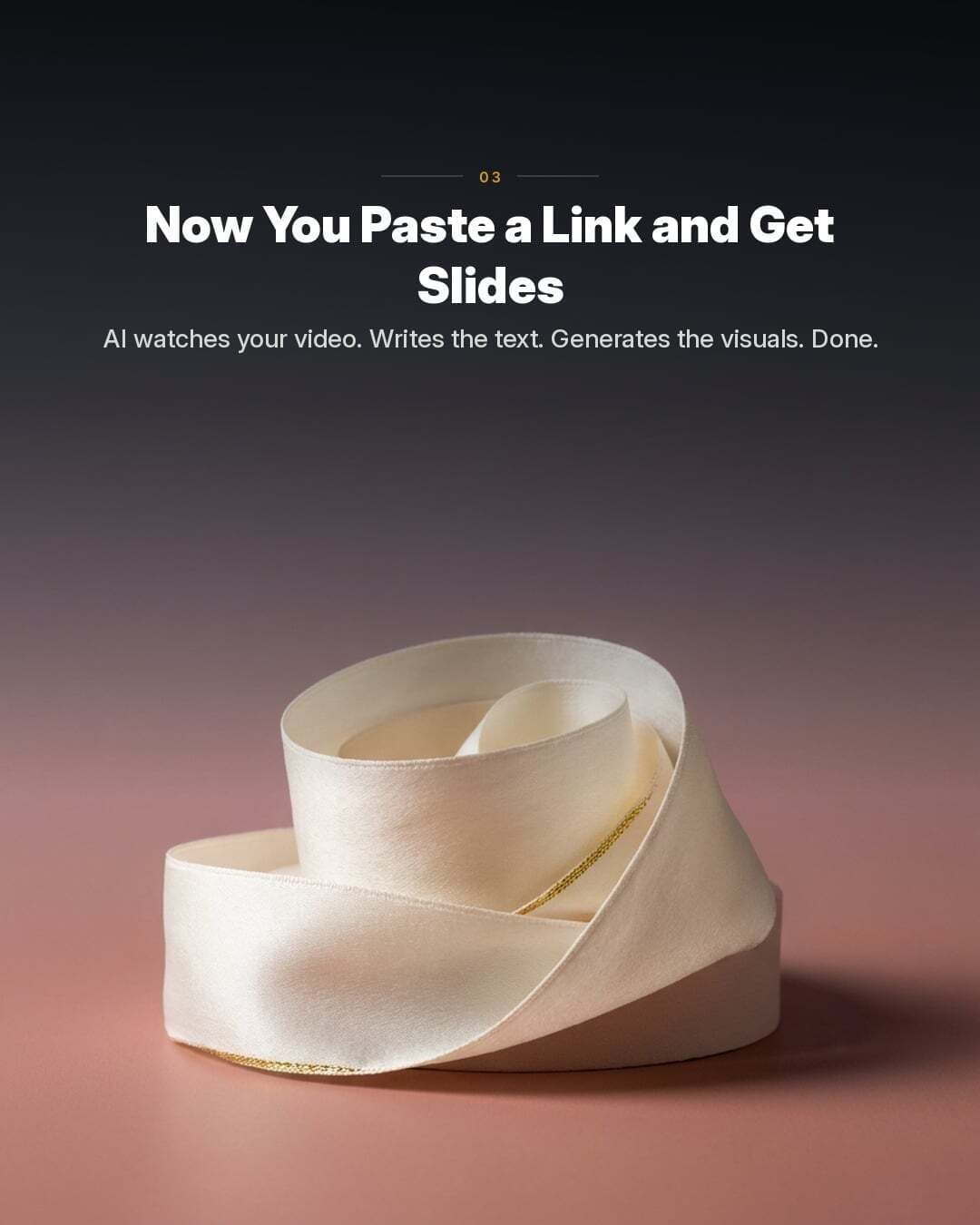
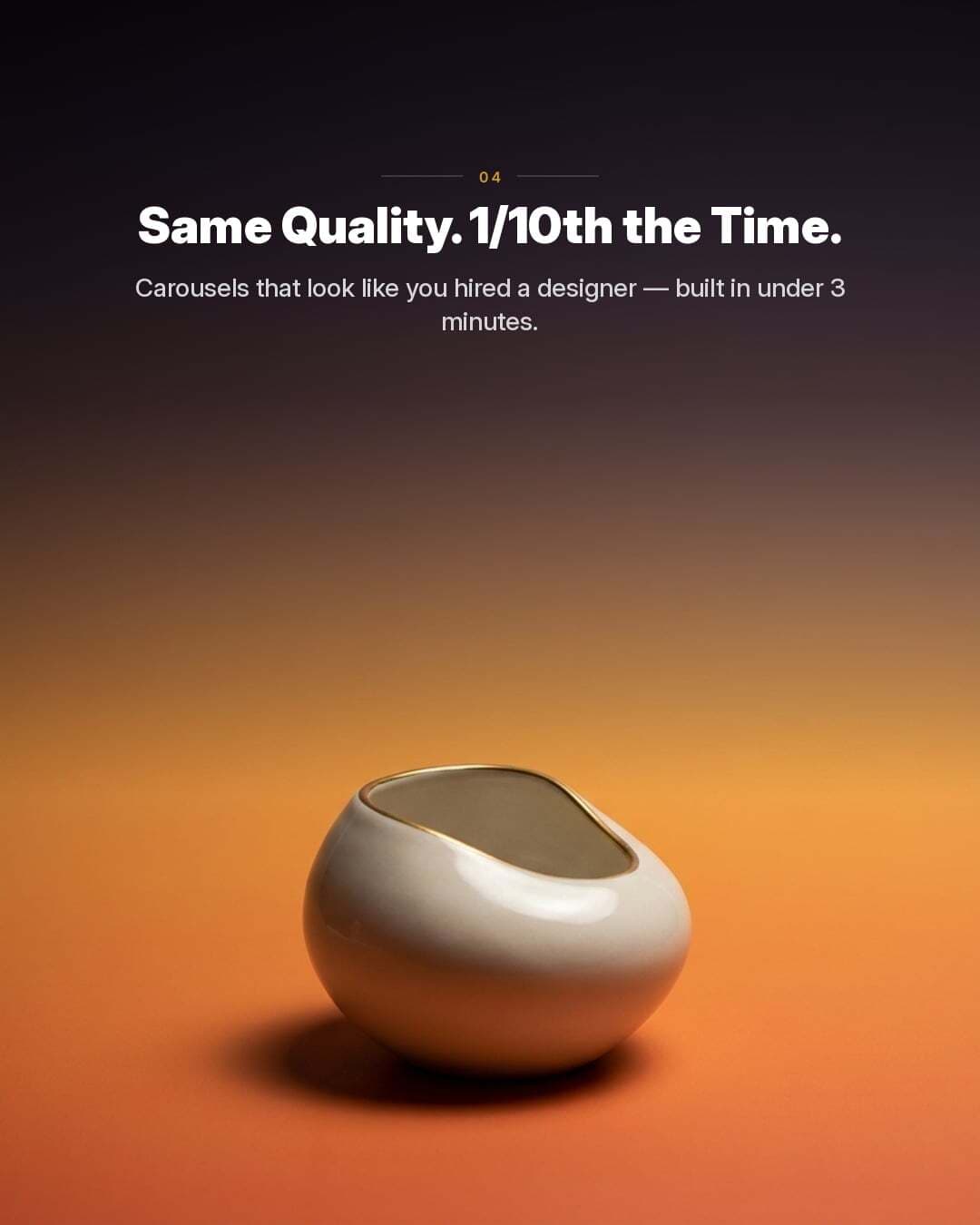
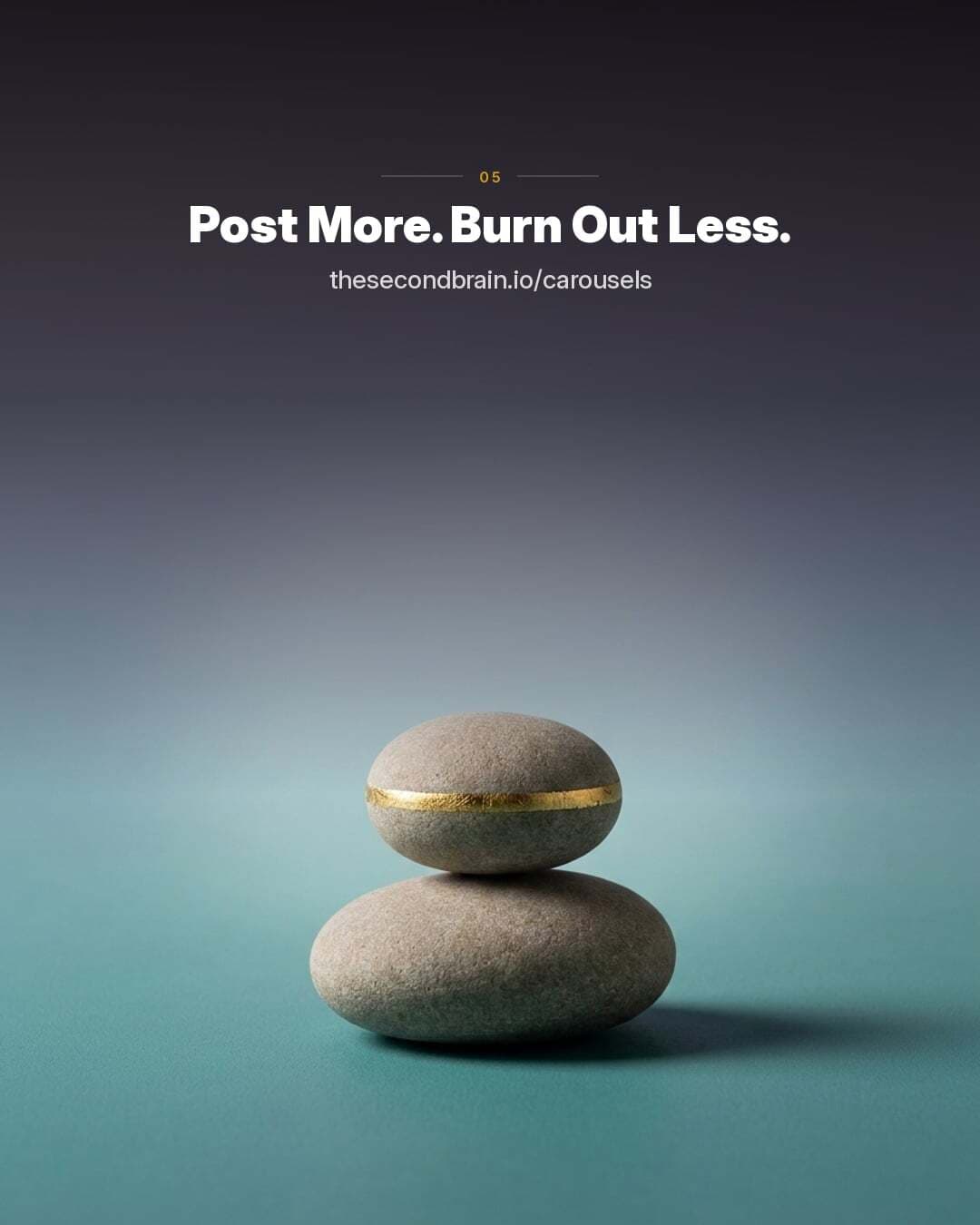
Gallery
Every carousel is one-of-a-kind.
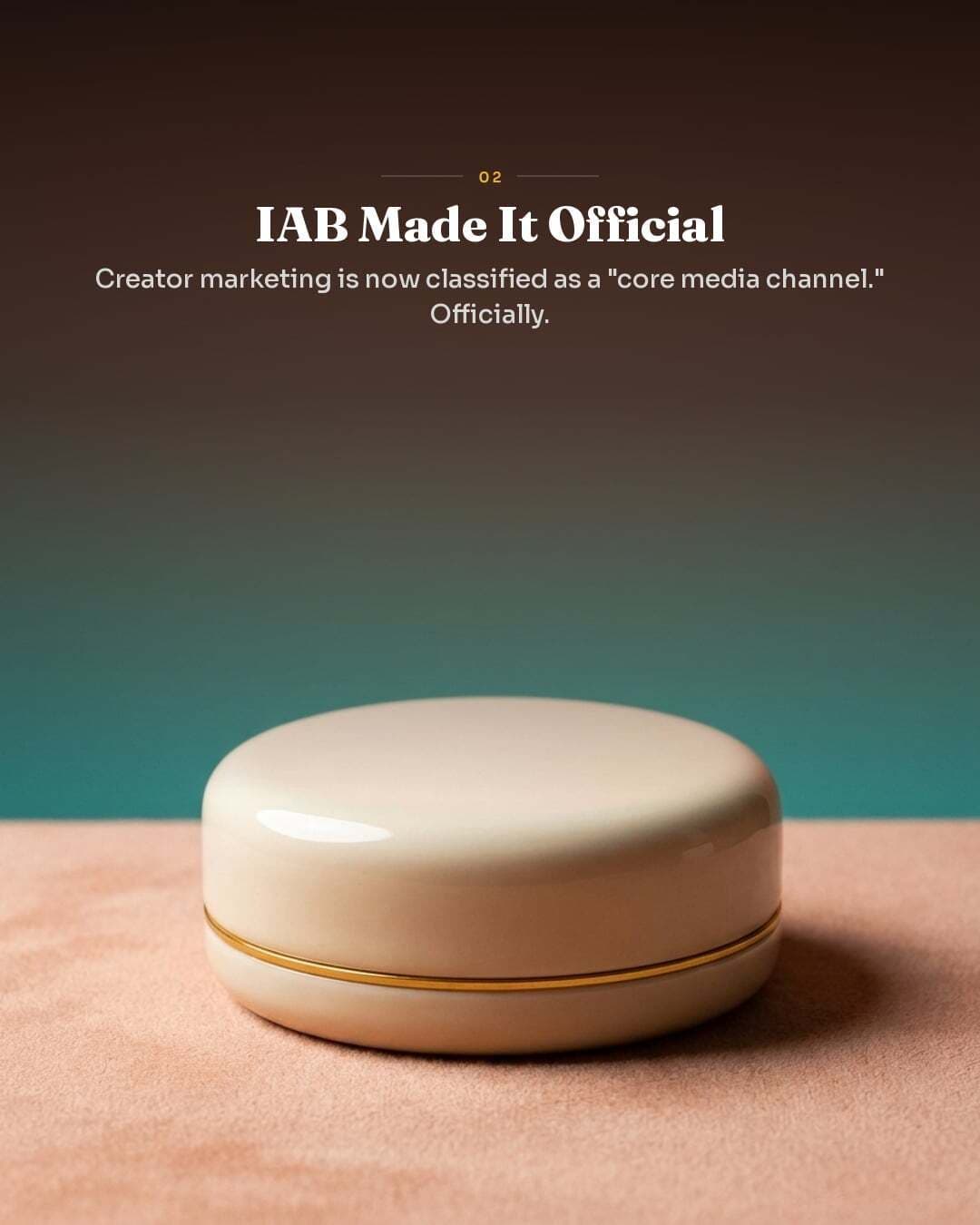
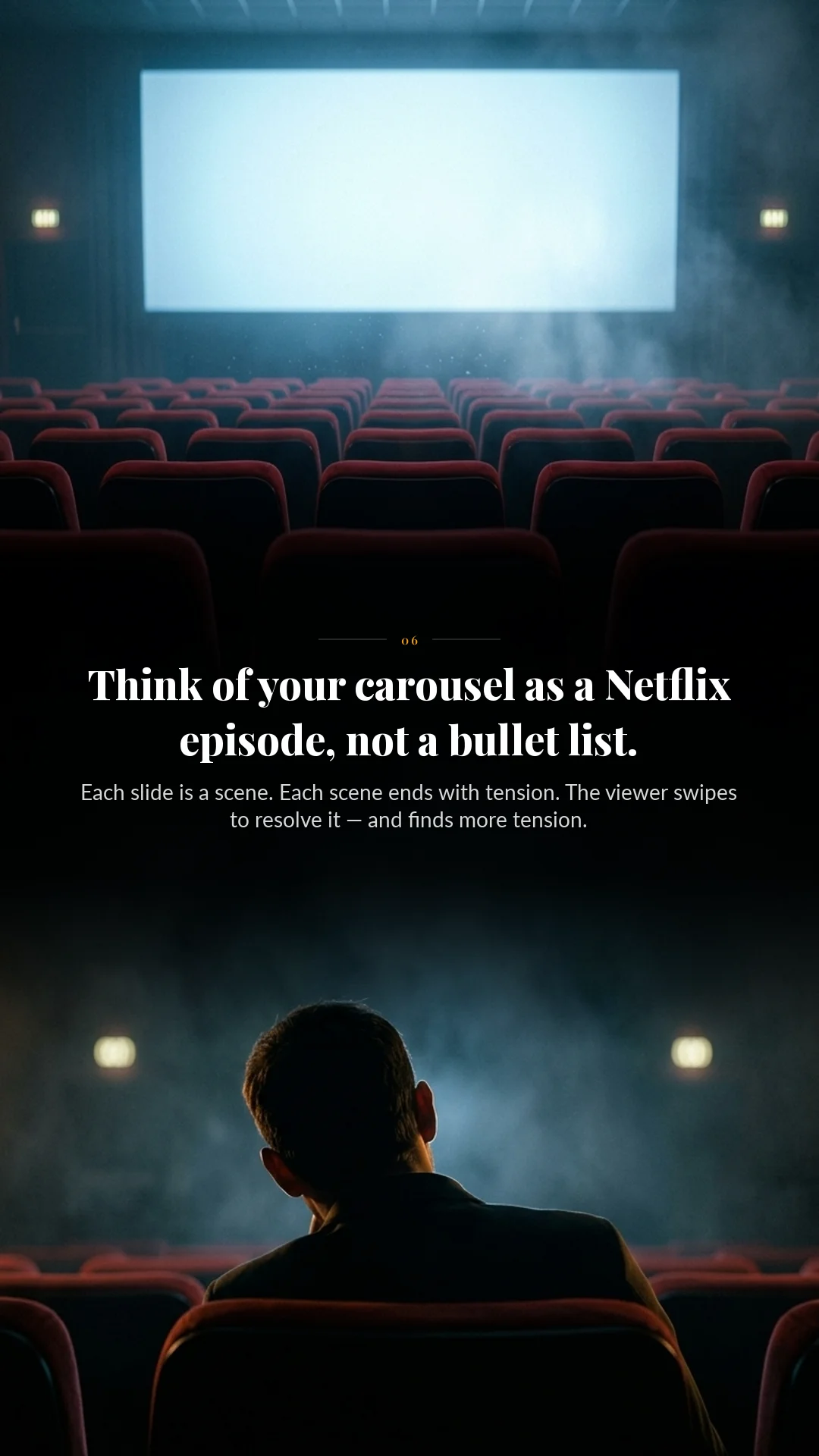
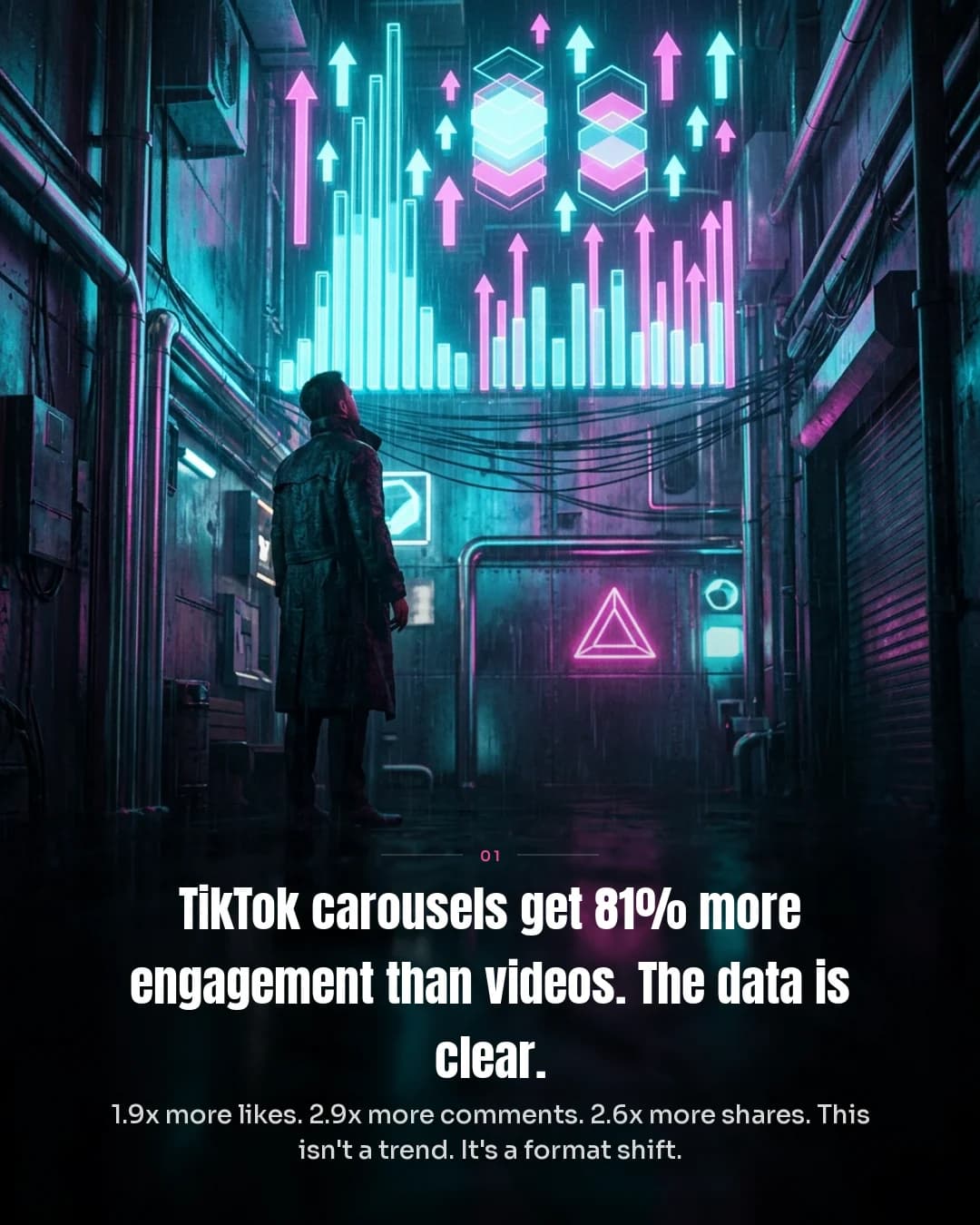
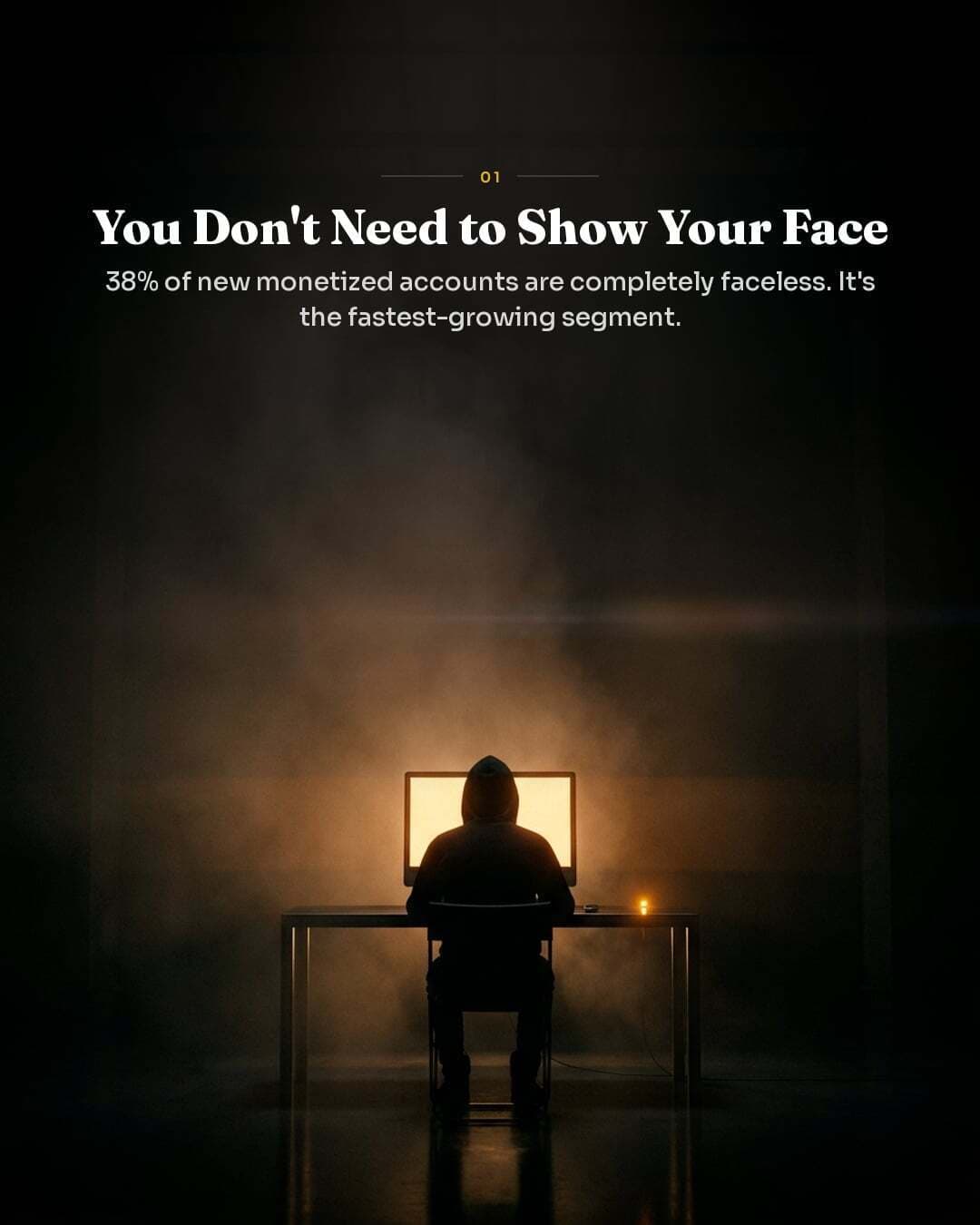
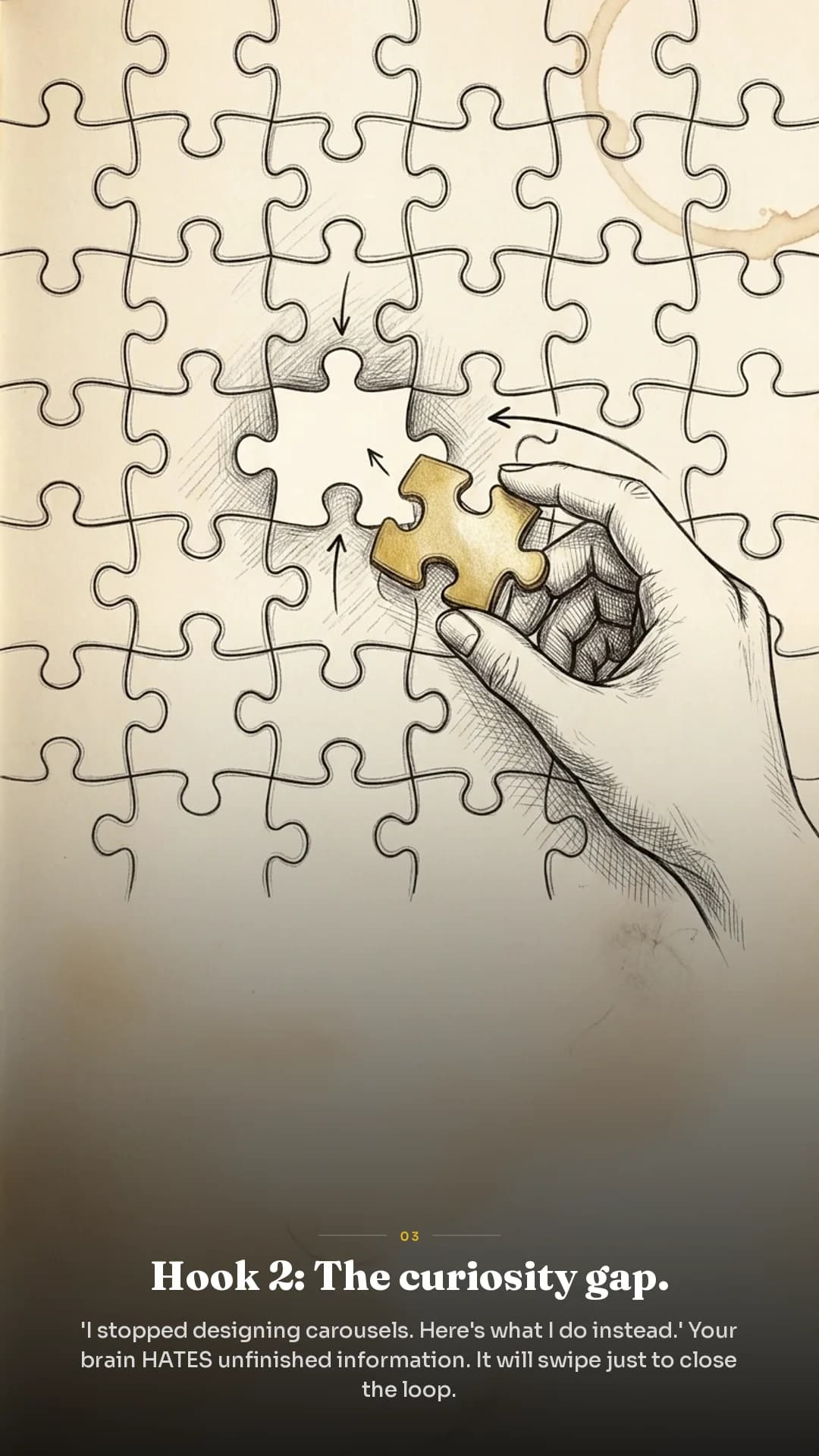
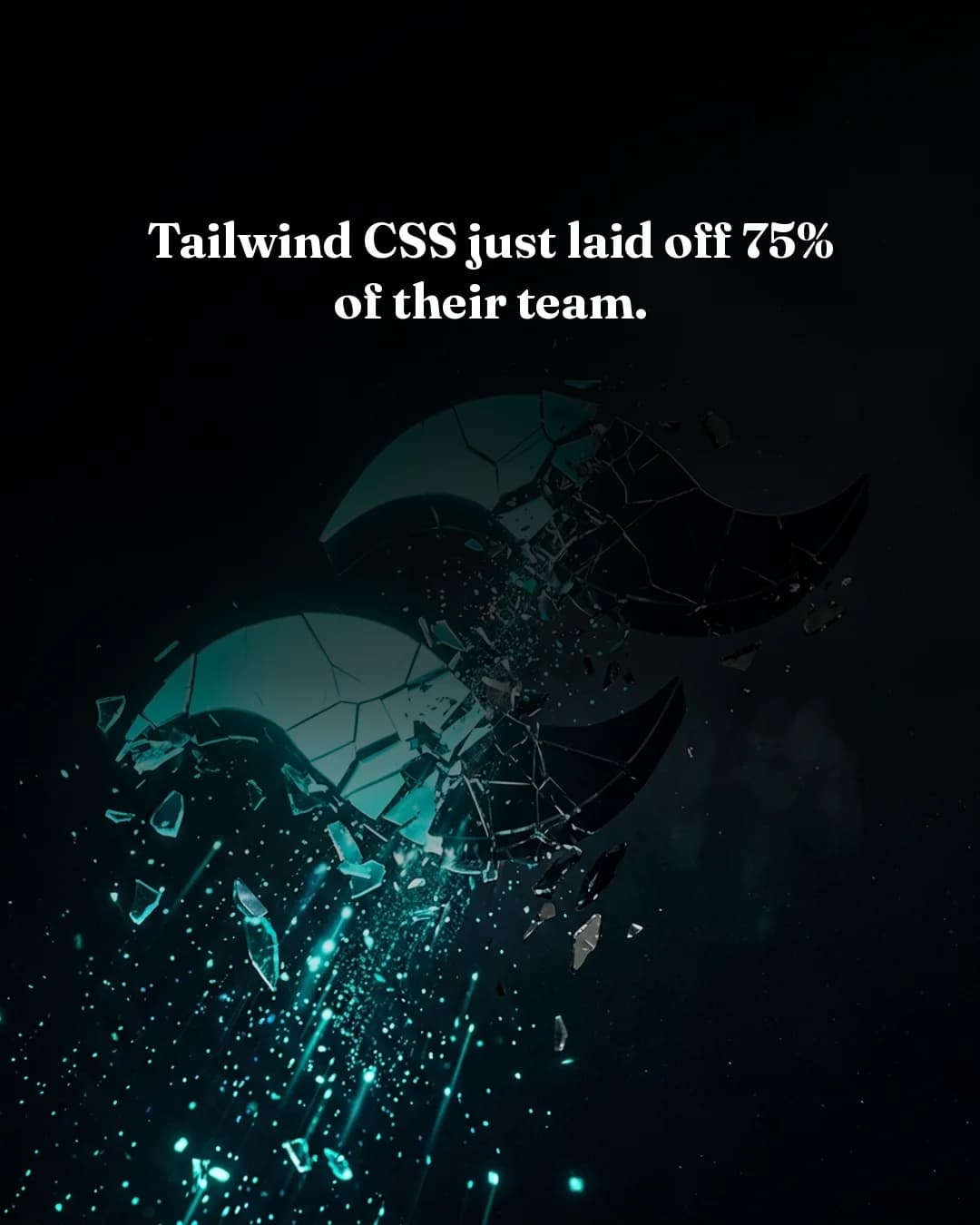
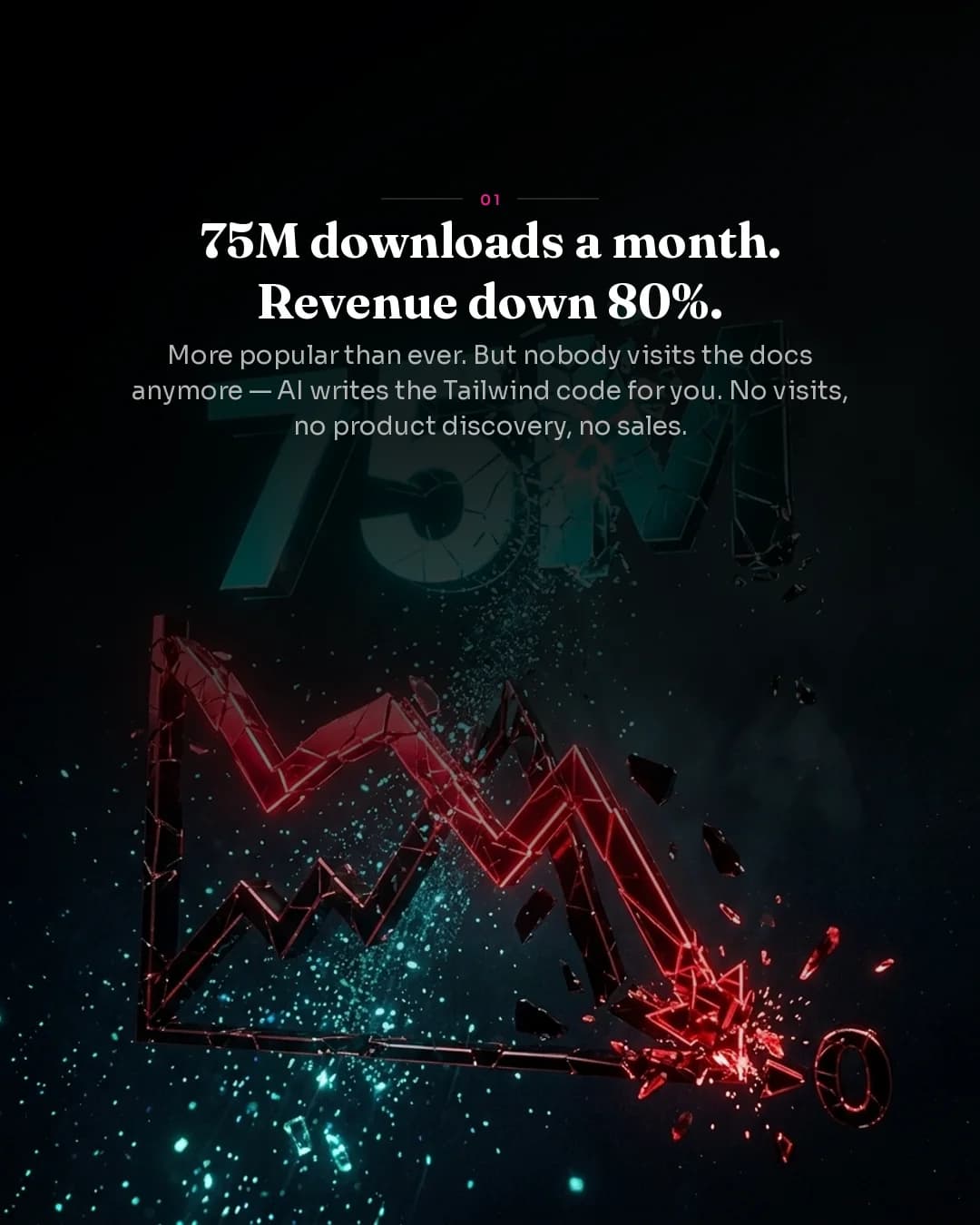
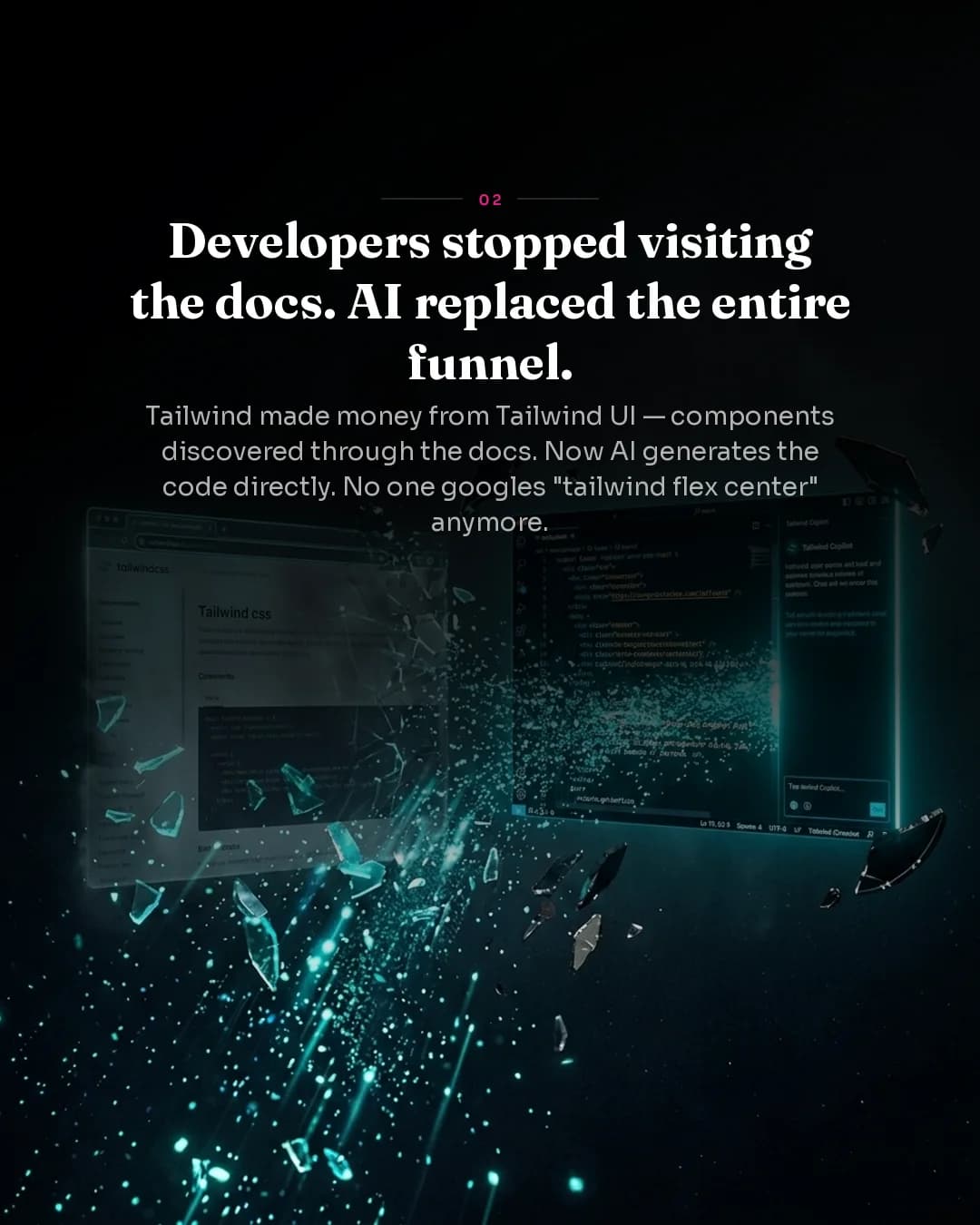
Same tool. Different topics. Completely unique visuals.
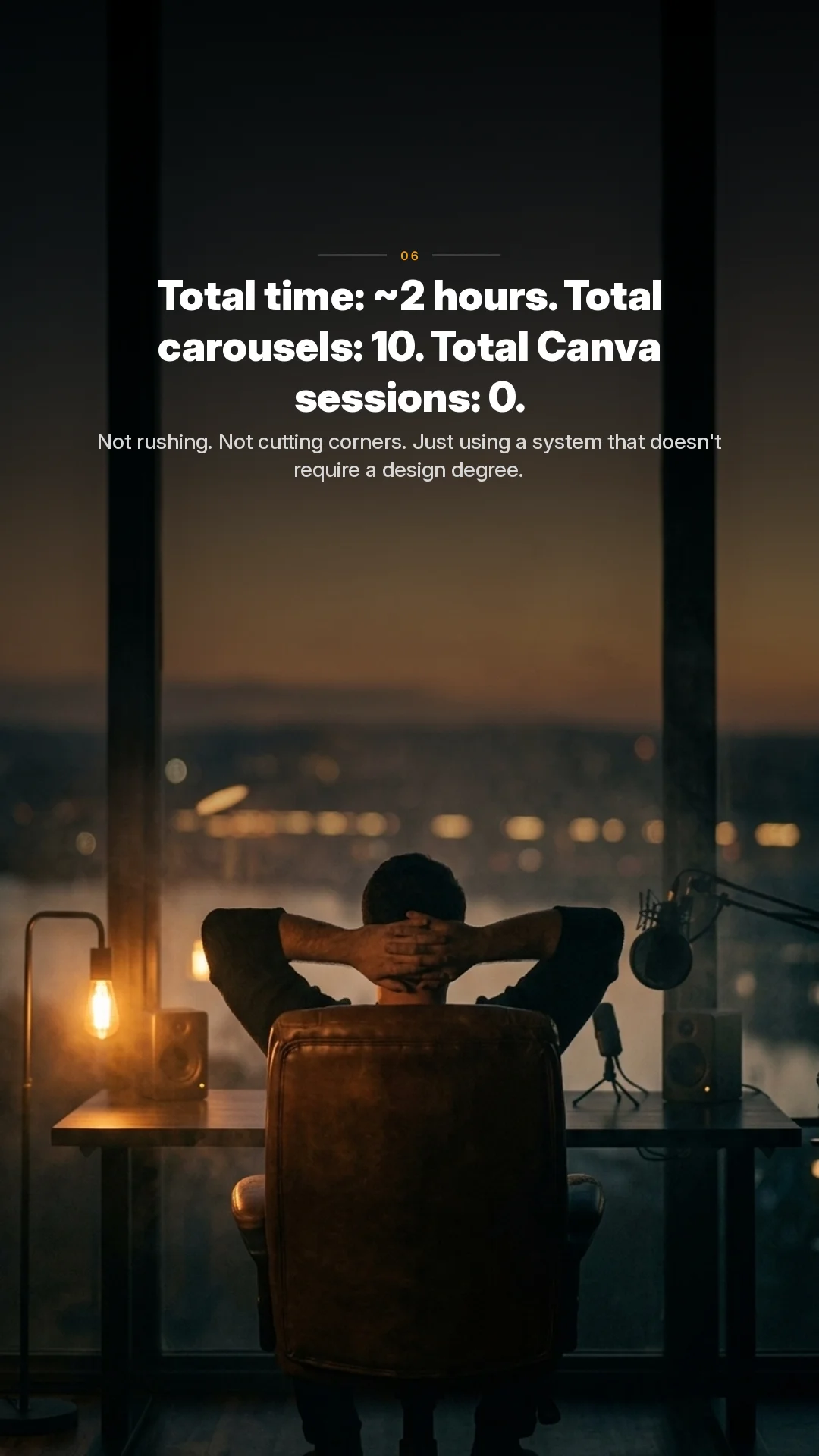
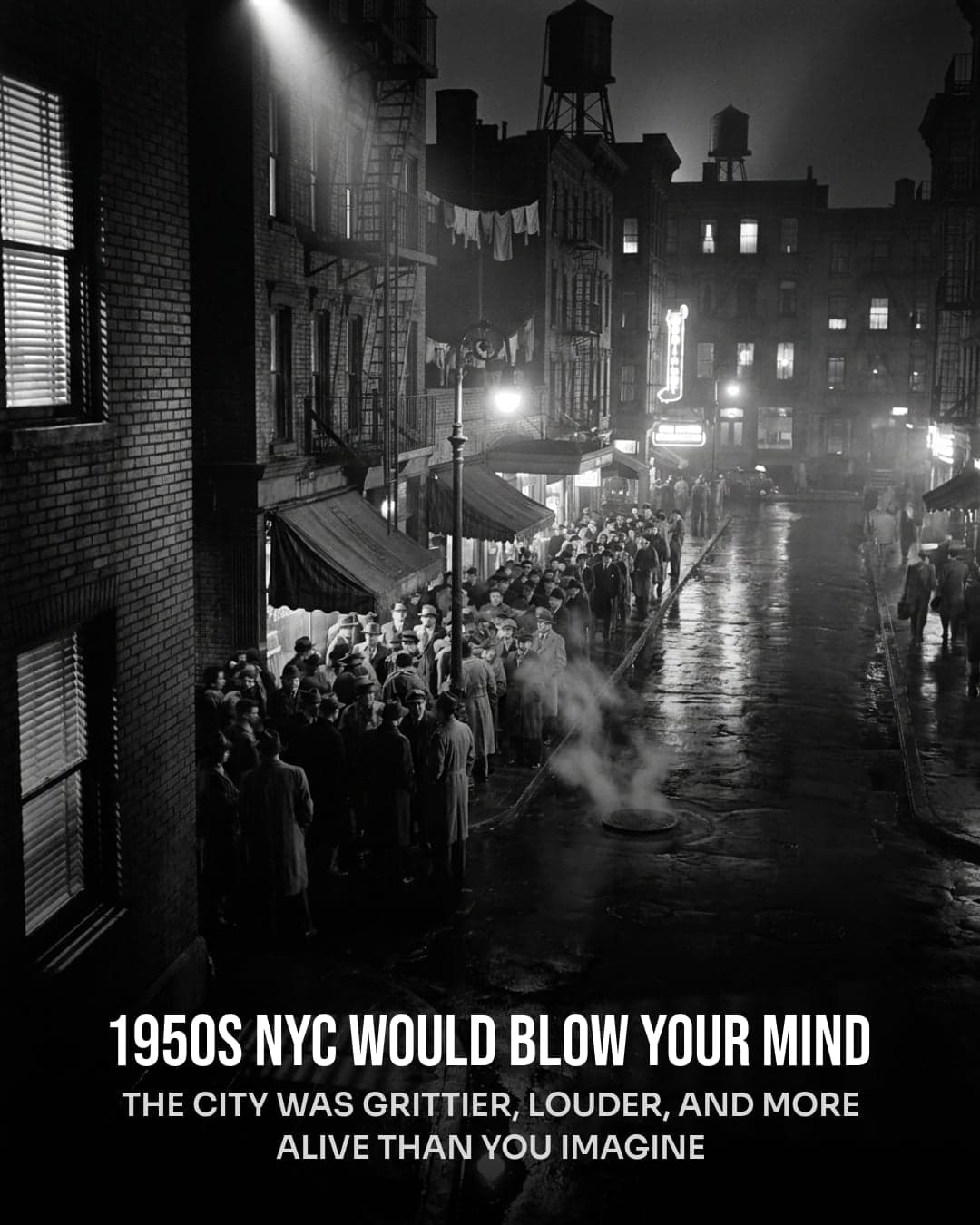
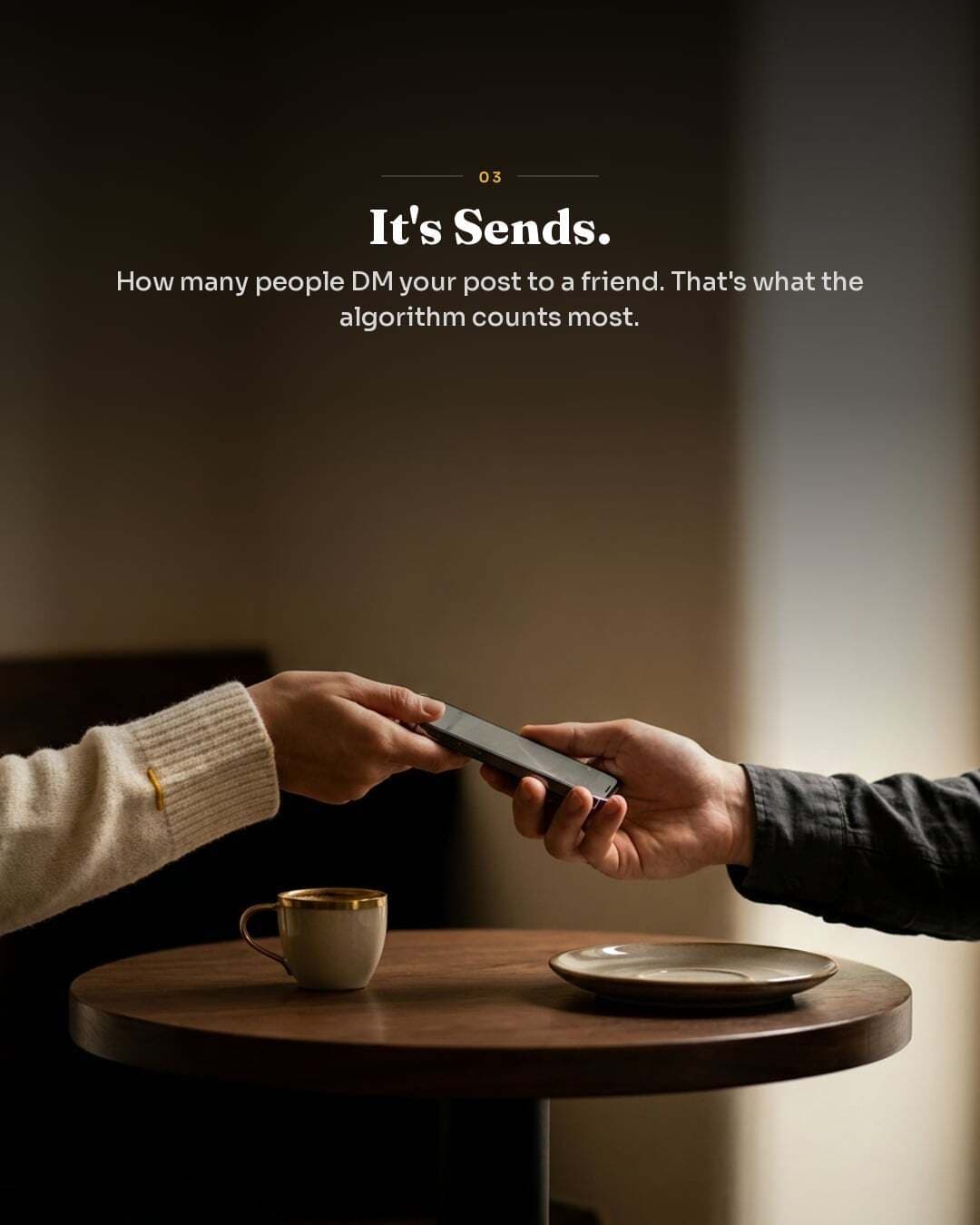

Real creator. Real results.
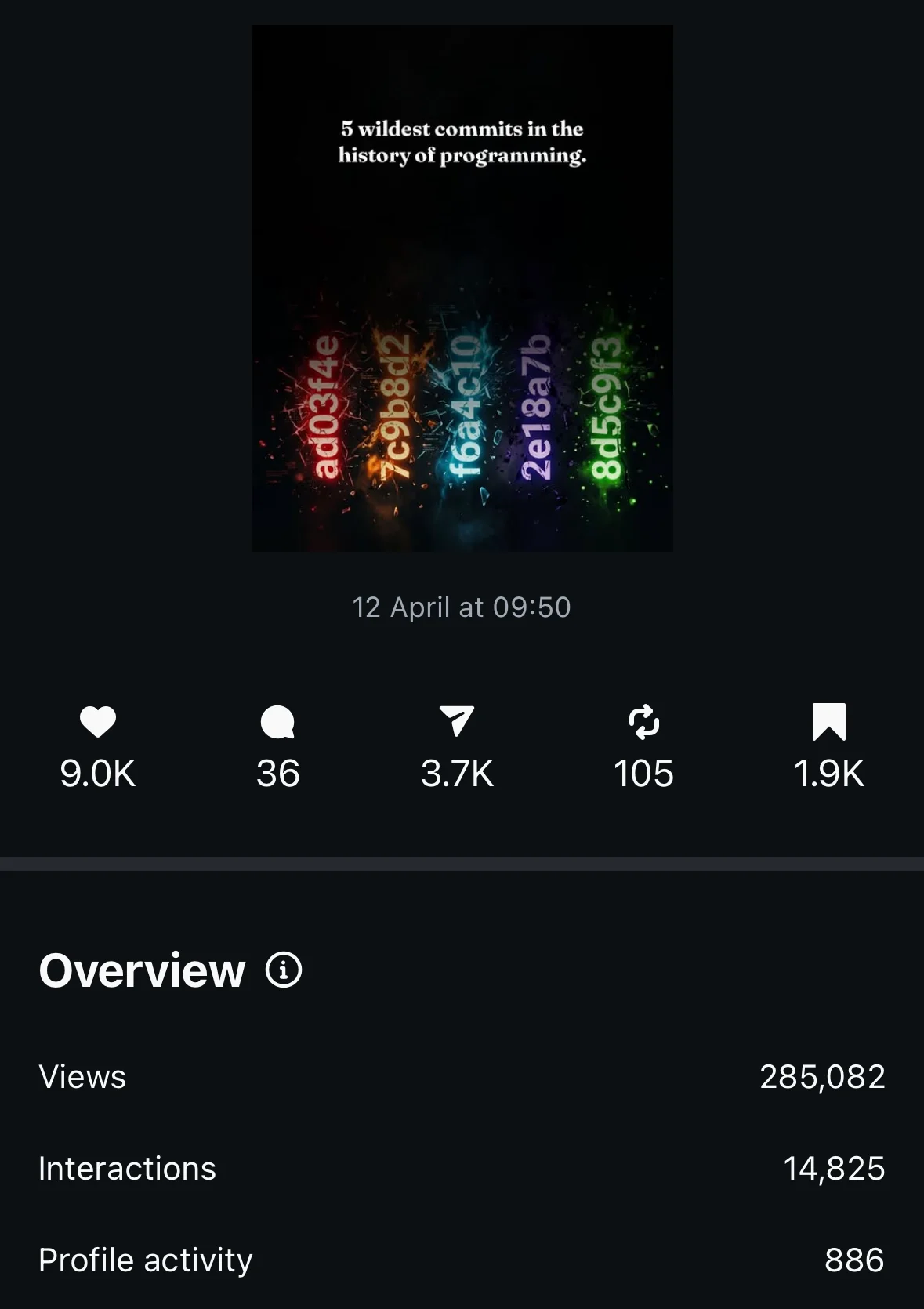
Posted by a 540K+ creator.
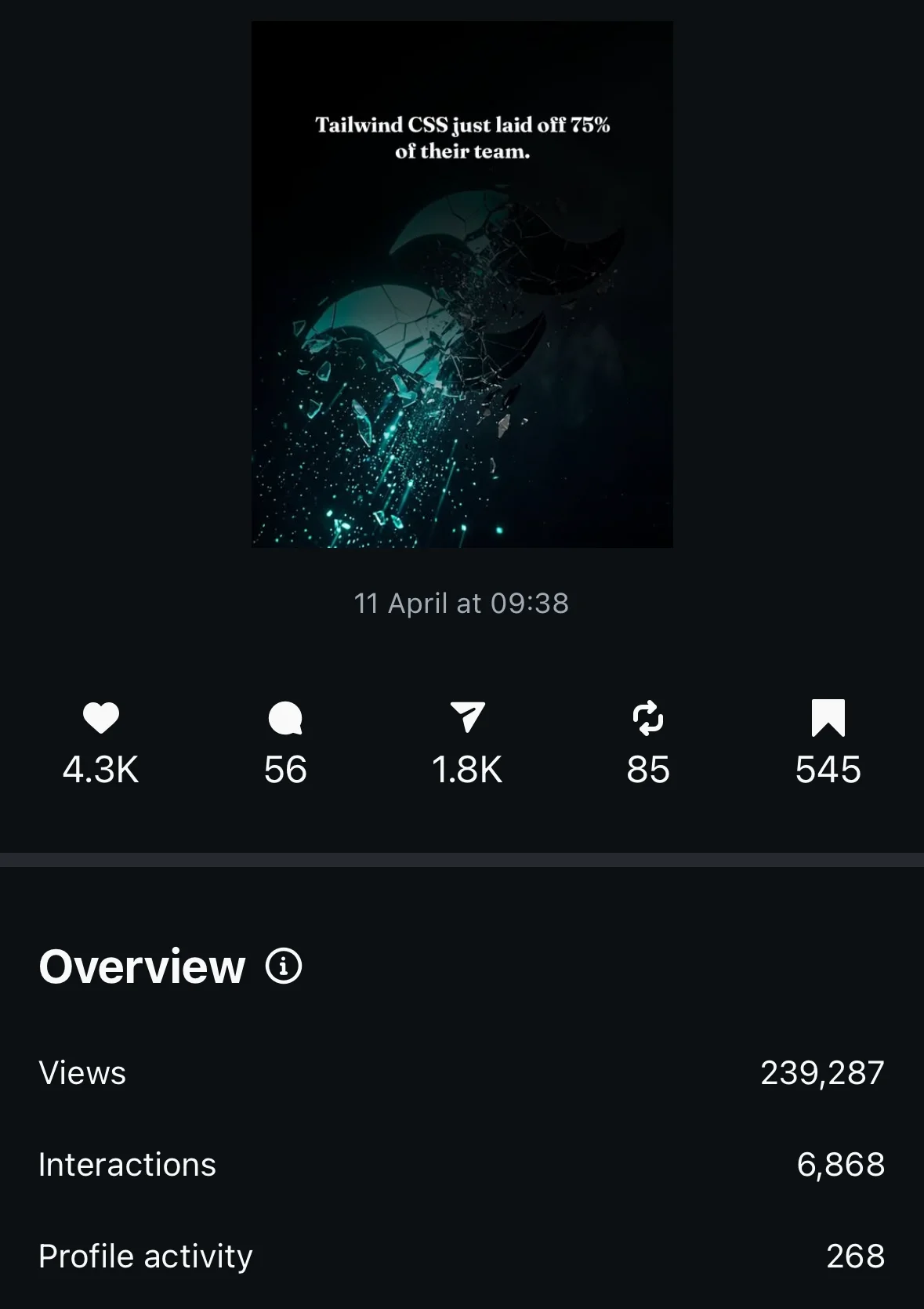
280,000+ views and counting.
“I wanted to experiment with this, but I expected some AI slop that’s maybe good for accounts that are just starting. But, I still tried it, and absolutely couldn’t believe. The first carousel got 238k views (still counting), wild engagement, and comments were insane. I literally can’t believe that, with 540k+ audience, AI generates a ready-to-post content. Usually you just get small parts and need to do a lot of after-work; this just works.”



How it works
From idea to inbox in three steps.
No design briefs. No templates to fight with. Just a prompt and a download button.
Describe your topic
One sentence. "Latest hooks 1M creators are quietly using this week." AI searches the web for fresh research — then takes over.
AI designs every slide
Unique bespoke art direction per carousel — lighting, palette, composition, typography. Not a template. Not a filter.
Download and post
ZIP with all slides + caption + hashtags + first comment. Copy, paste, publish. Under 2 minutes total.
Power users: tweak text, fonts, colors, and style per slide before exporting — full manual control whenever you want it.
Turn anything into a carousel
Turn any source into a ready-to-post carousel.
Rescroll reads your sources first. Drop in a PDF, YouTube video, blog post, or TikTok, chat with it to shape the angle, then drop it into the generator for a bespoke carousel — no design skills, no templates.
PDF to carousel
Drop in a PDF, lead magnet, or slide deck. Rescroll reads it, you chat to shape the key points, then drop it into the generator.
YouTube video to carousel
Add a YouTube link. It watches the full video — chat to pull the best ideas, then turn them into slides in the generator.
Blog post or article to carousel
Read any blog post, newsletter, or article into Rescroll, shape the story in chat, and repurpose it into a carousel.
TikTok or Reel to carousel
Save a viral TikTok or Reel, chat with it to remix the hook and structure, then build your own bespoke carousel.
A single topic to carousel
No source? Type one sentence. The AI searches the web for fresh research, then designs every slide for your topic.
The old way
The old way was slow, expensive, or generic.
Pick one. There’s no fourth option. Until now.
Canva templates
Looks like everyone else
Hire a designer
$300–500 per carousel
DIY in Figma
Requires design skills
90 seconds. Bespoke. Post-ready.
One prompt in. Ready-to-publish slides out. No design tools, no templates, no after-work.
The data
The numbers. Carousels are winning.
Across every platform, the algorithm prefers slides over video. The data has been clear for two years — most creators just haven’t caught up.
more engagement than Reels
Source: Social Insider, 2026
reach boost from saves
Source: Instagram, 2026
DM shares count 5× more than likes
Source: Mosseri, confirmed
more engagement on TikTok carousels vs video
Source: Social Insider
Common questions
Everything you need to know about AI carousels.
How long does it take to make an AI carousel with Rescroll?
What makes Rescroll different from Canva carousel templates?
Can the AI design every slide differently?
Does the AI search the web for fresh research?
Can I edit slides manually after generation?
What platforms can I post the carousels to — Instagram, TikTok, LinkedIn?
How much does the AI carousel generator cost?
Can I turn a PDF into a carousel?
How do I turn a YouTube video or blog post into a carousel?
What is the best AI carousel generator for Instagram and LinkedIn?
Your first carousel is
90 seconds away.
No design skills. No templates. No Canva. Just one prompt and a download button.
Generate your first carouselBring your topic. Leave with a post-ready ZIP in 90 seconds.